1 Managing applications
This guide describes how to manage applications in SoftwareCentral. Many of the chapters are short summaries of other guides.
| Topic | What it covers |
|---|---|
| Applications and Collections | How SoftwareCentral finds an application through its install collection, and the collection structure it expects. |
| How does SoftwareCentral work? | The collection structure for packages, applications and operating system deployment. |
| Mend Packages and Applications | Make software that was created outside SoftwareCentral usable, by creating the collections and deployments it needs. |
| Create Applications | The Application Wizard (also opened by the Create tile in Application Management) and Create Multiple Applications. |
| Application Templates | Predefined settings for new applications. |
| Convert Package to Application and Replace Application | Move old packages to applications, and update installations when a new version arrives. |
| Software Groups | Groups of software installed in a given order. |
| Application Delegation | Which security roles see which software. |
| Edit Applications | Application Management: change settings, replace, retire, disable deployments, migrate to Intune or delete an application. |
| Scheduling | Deploy later, and change scheduled deployments. |
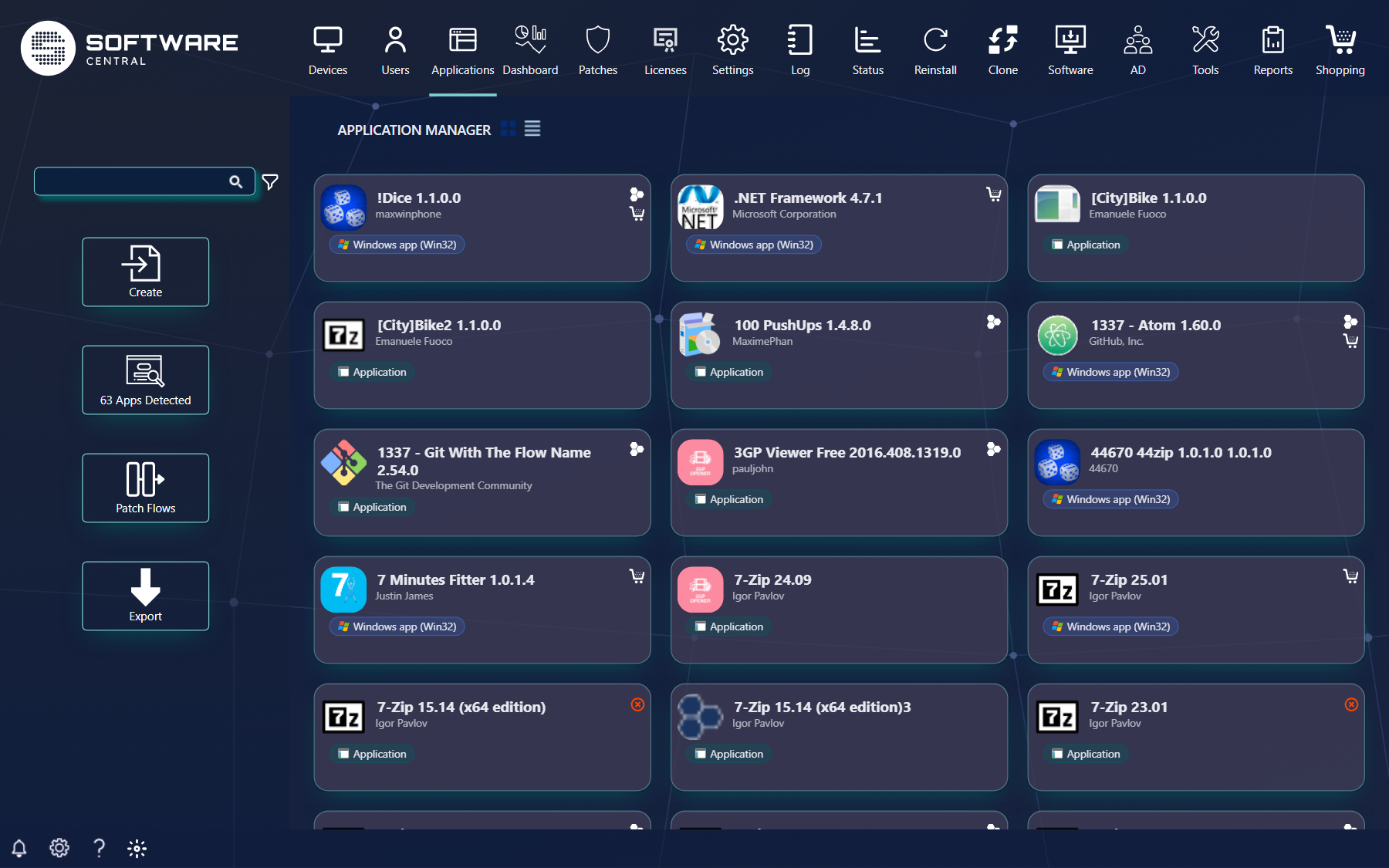
2 Best practice
- Create new applications from SoftwareCentral (the Application Wizard, or Create Multiple Applications). It builds the collections and deployments SoftwareCentral expects. Applications created elsewhere must be mended first.
- Make an Application Template for your normal settings and choose it as the default under Settings › SoftwareCentral › Interface Settings, so everyone starts from the same values.
- Put every application in a Package Security Group. An application that is in no group is available to all users of SoftwareCentral (except in the shop).
- Use Replace Package / Application when a new version arrives, instead of deleting the old one first, so installations, software groups and the shop item follow the new version.
- Prefer Retire to Delete when you are unsure: a retired application can be reinstated, a deleted one is gone.