1 Overview
Use Assign Packages to Security Groups to assign packages, applications and software groups to Package Security Groups.
Assign Packages to Security Groups are located under the Applications menu:
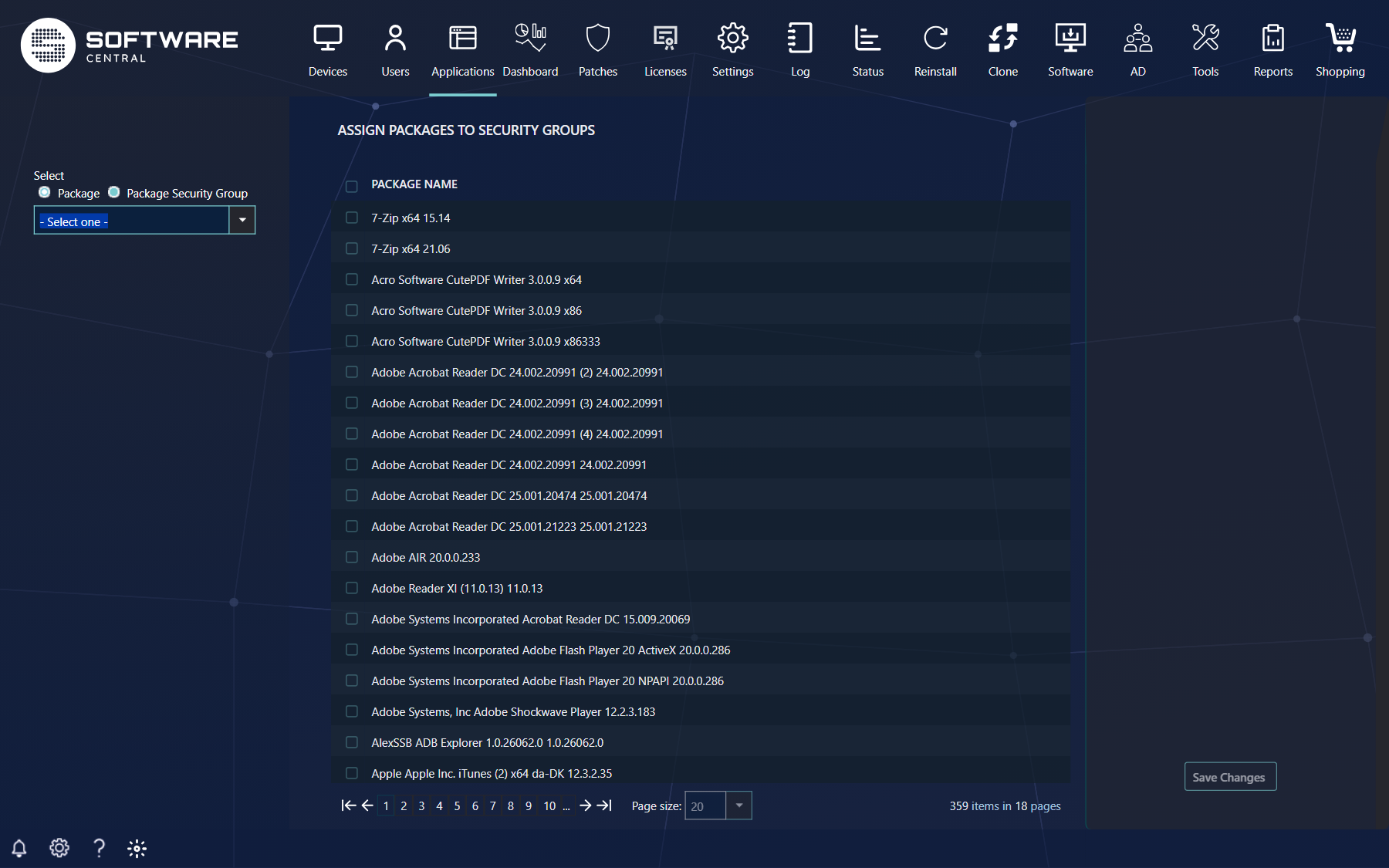
In the left menu you choose what to work from with the two options under Select:
| Option | What you do |
|---|---|
| Package Security Group (default) | Pick a group in the box below. The grid lists all software, with the members ticked. Tick or untick the applications, packages and software groups which should be a member of the selected group. Search for a package with the search bar, and use Only show assigned packages to see just the members. |
| Package | Pick one package, application or software group. The grid lists all Package Security Groups, with the ones it is a member of ticked. |
Note
Packages which are not assigned to any Package Security Groups are available to all users of SoftwareCentral.
Click on the "Save Changes" button to apply the changes. The grid and the button stay disabled until you have chosen a group (or a package).
2 See also
3 Best practice
- Work from the group when you add many items to one group, and from the package when one package must go into several groups.
- Save before you switch group or package; unsaved ticks are not kept.
- Review packages that are in no group: they are visible to every user.