1 Amount of clients to manage
In the SCCM Security step of the security role wizard, set the Maximum number of resources this role can work on in a single operation.
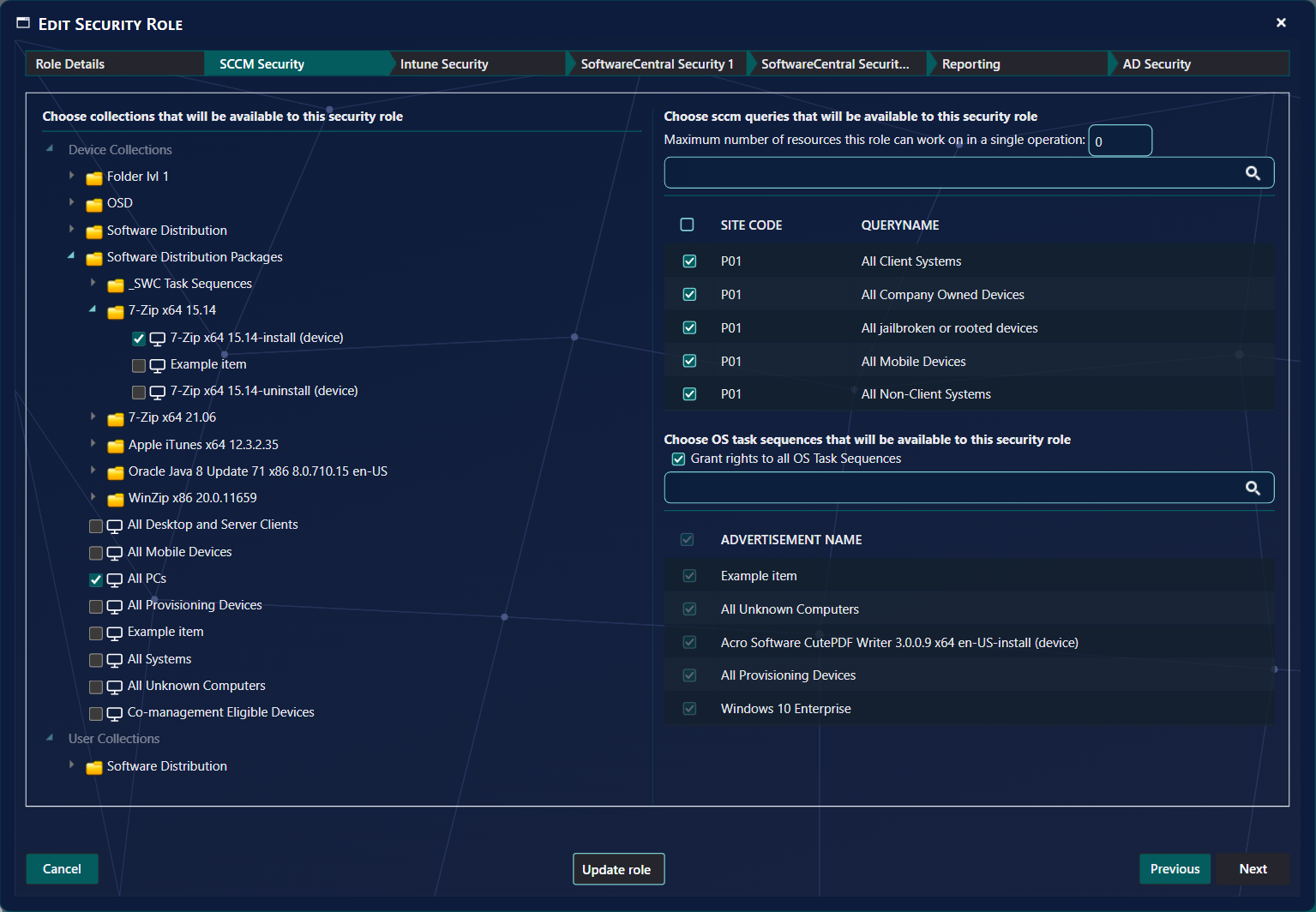
If you enter 10, the users of this security role may only deploy software to, or reinstall, up to 10 computers at a time. This setting also applies to the other operations in SoftwareCentral that work on several resources at once, such as Delete Multiple and Reinstall Multiple.
See the full list of steps in Security roles.
2 Sub functions
In the SoftwareCentral Security 1 step, choose the menu functions the users can use. The Deployment Manager functions are under Software › Deployment Manager.
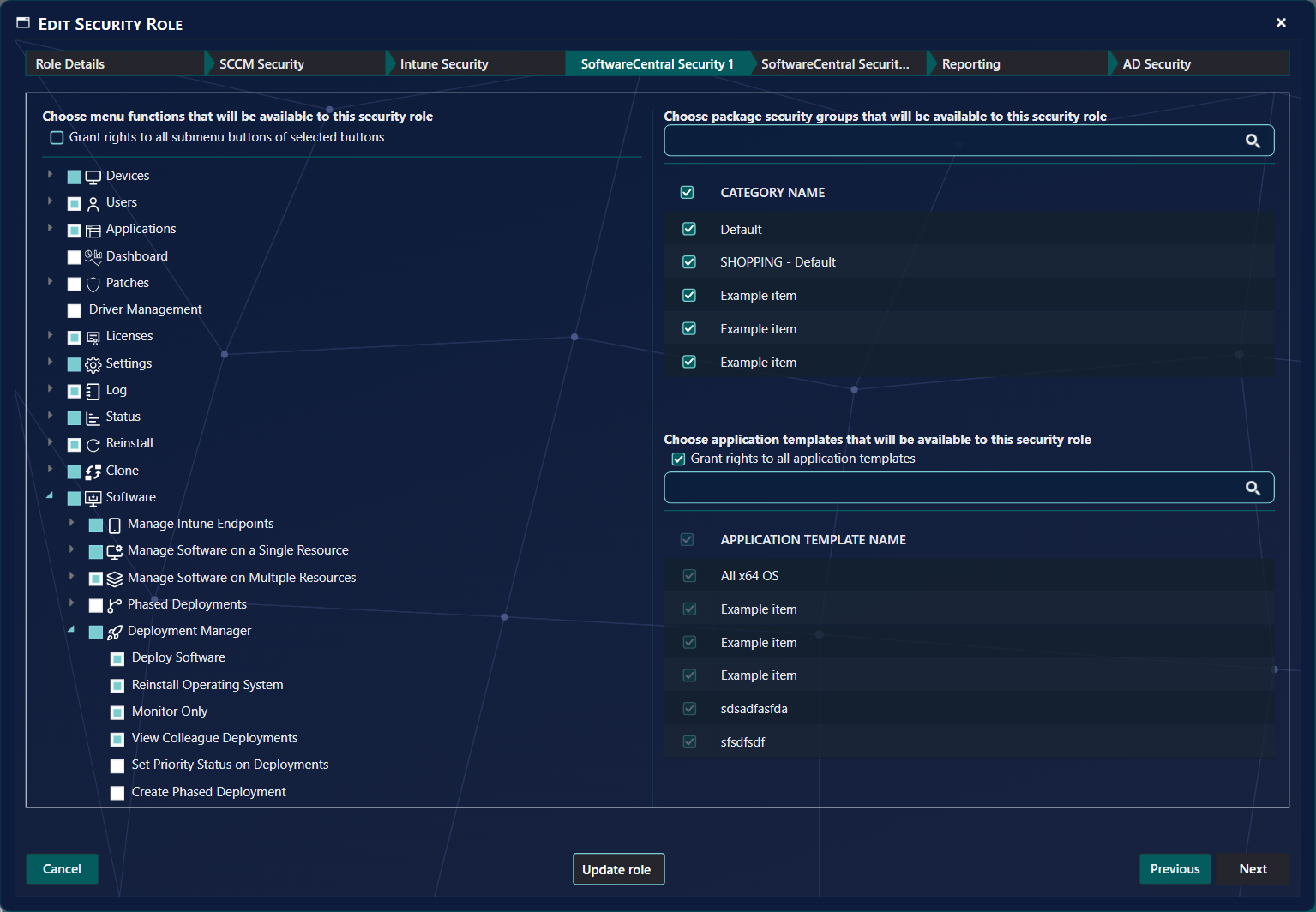
You can allow the users to Deploy Software, Reinstall Operating System and View Colleague Deployments. If you only want the users to see the status of their own deployments, tick Monitor Only and leave the others unticked.
To give a role every submenu button under a main menu button, tick Grant rights to all submenu buttons of selected buttons. See Create a security role.
3 Best practice
- Set the maximum number of resources for roles that deploy or reinstall in bulk. Enter a whole number: a decimal value is changed to 0, which means no limit.
- For roles that should only follow their own deployments, tick Monitor Only and leave Deploy Software and Reinstall Operating System unticked.
- Without Grant rights to all submenu buttons of selected buttons, a role does not see new interfaces that SoftwareCentral adds in an update. Check the role after an update.