1 Two parts
| Part | What it is |
|---|---|
| The shop | The page users go to directly to order packages, applications and custom items, and to uninstall or repair what they have. |
| The configuration | The pages under Shopping in SoftwareCentral, where you decide what is offered, how it looks, who approves and what runs. For every item you can set its own order details, custom actions and approval flow. |
The shop works for devices managed by Configuration Manager, and for Intune devices that are not in Configuration Manager — see Shopping from Intune devices.
2 The classic and the new shop
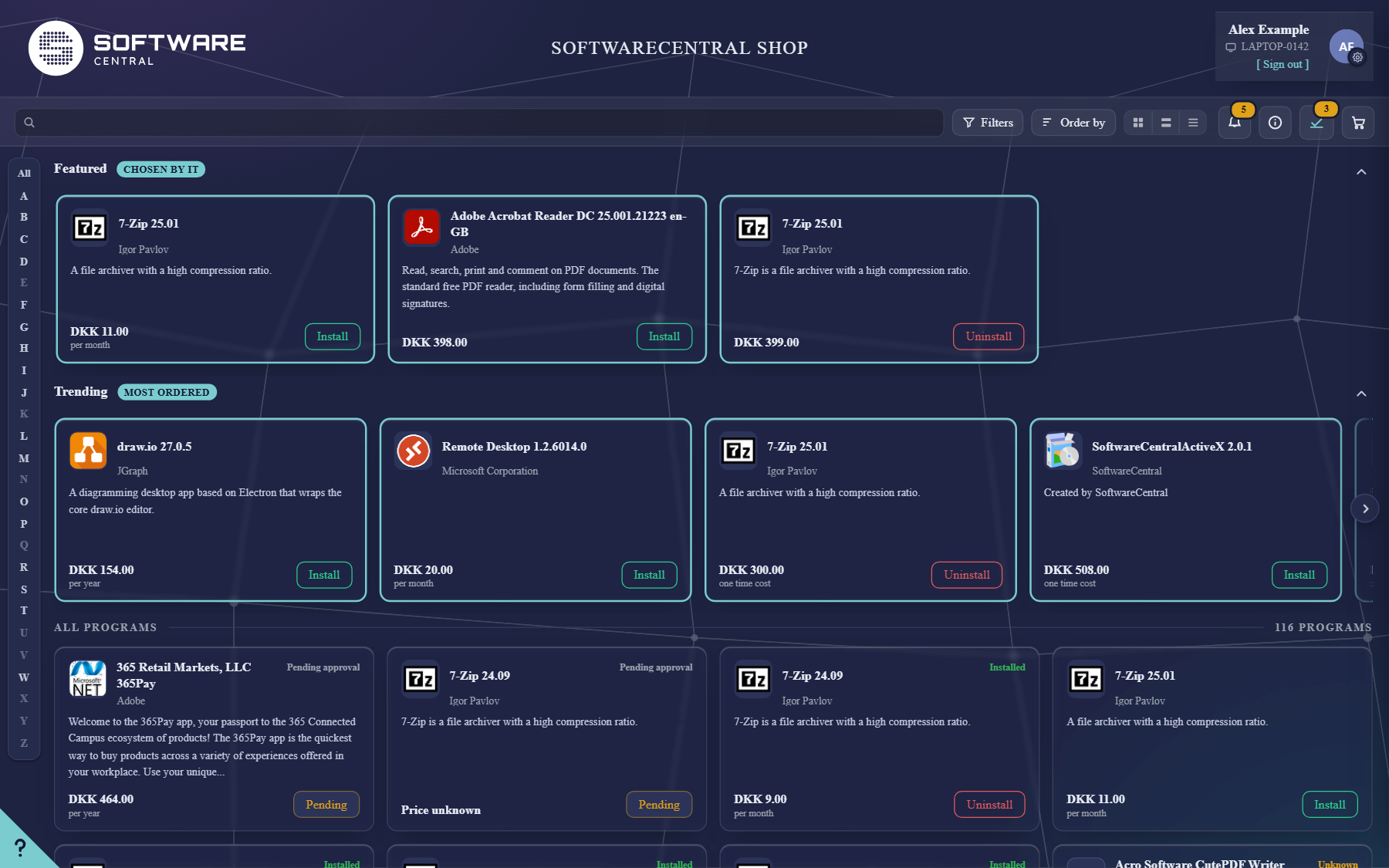
SoftwareCentral has two shops. Both use the same applications, approval flows, mails and deployments; you decide who gets which with the rollout switch under Settings › New Shop.
| Shop | Guides |
|---|---|
| The new shop | For users: The shop at a glance. For you: How the new shop comes together and Rolling out the new shop. |
| The classic shop | For users: The classic shop, My Account and Choosing a device. |
3 Where to start
- Important to know before getting started — how the shop decides what users see.
- Menu Overview — the pages under Shopping.
- Getting started — the first steps to a working shop.